Yearly
$1 a day
$365/ year
- Everything in Mentor
- Refer friends for 1,000 points each
- $15 goes into the Summit pool
The Mentor Summit opens with a $25,000 pool. Learn more

Mentor is an AI you talk to about your day, your money, and your goals. It remembers what you said and brings it up again when things slip.
Product
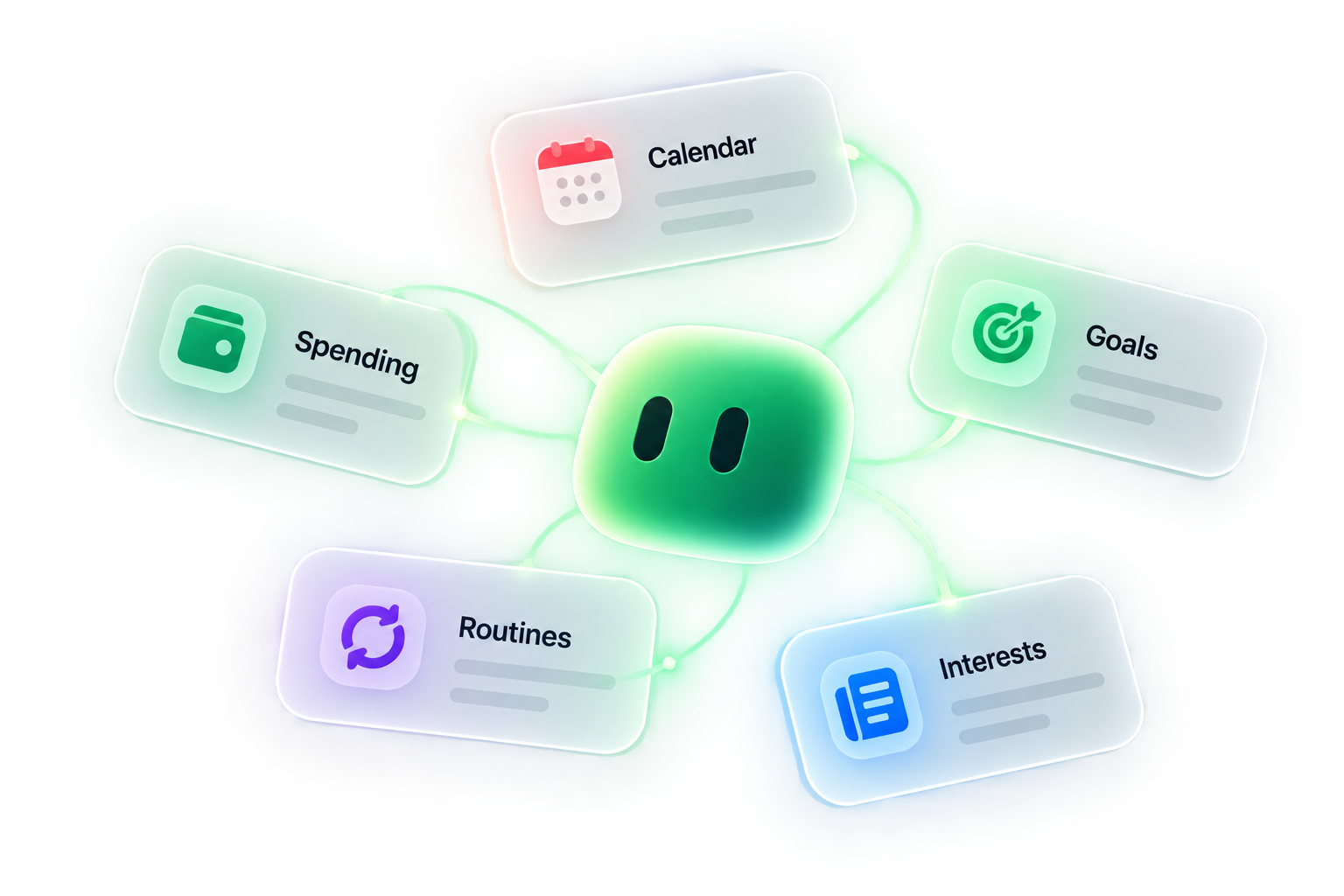
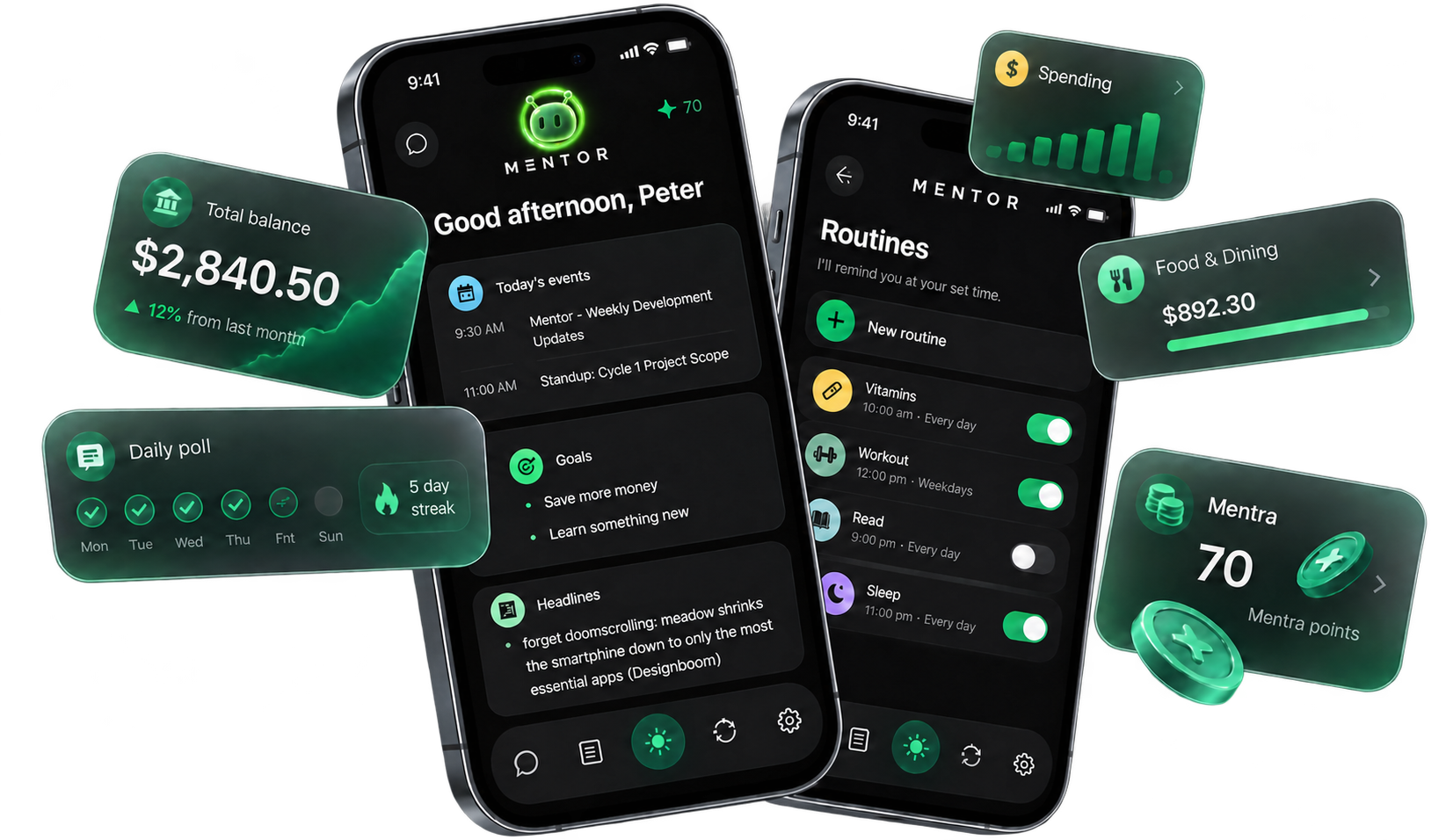
It reads your calendar, looks at your spending if you let it, and keeps track of your goals. You talk to it or type. It speaks up when something slides.
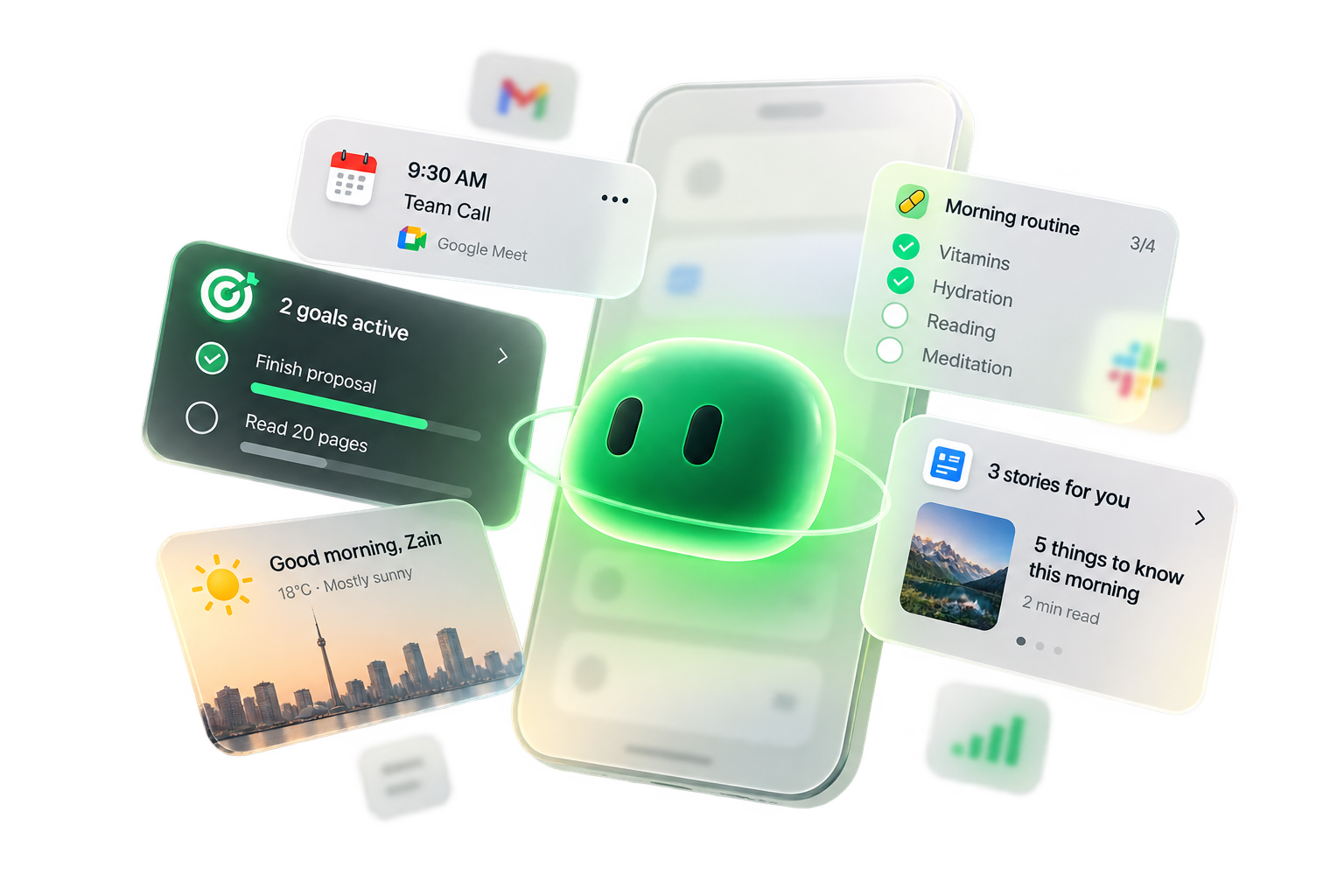
Open it in the morning and you get your meetings, goals, routines, the weather, and a few headlines. One screen instead of five apps.
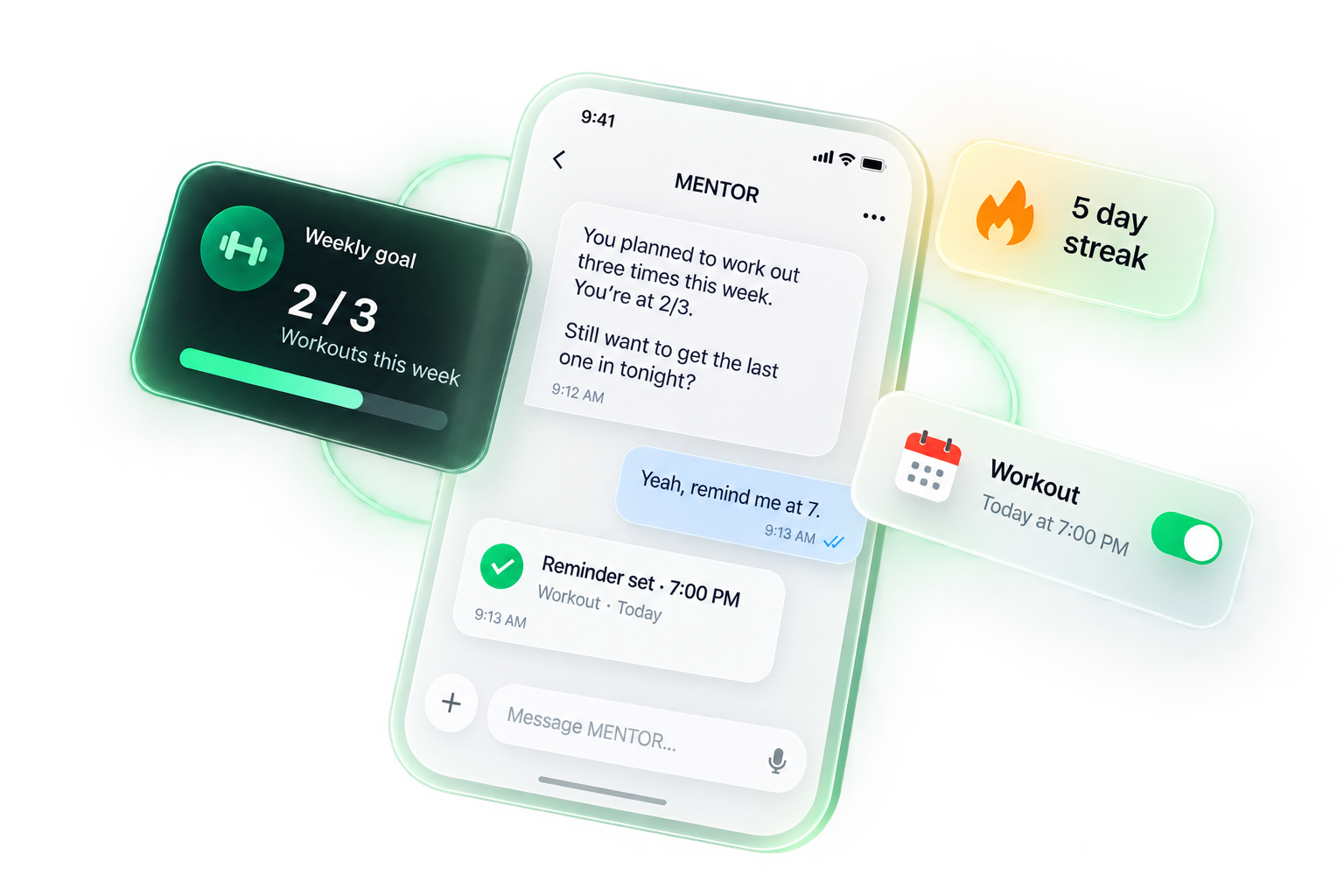
Tell it what you're working on. It keeps count and brings it up when you fall behind. Two of three workouts done by Thursday means you'll hear about the third.
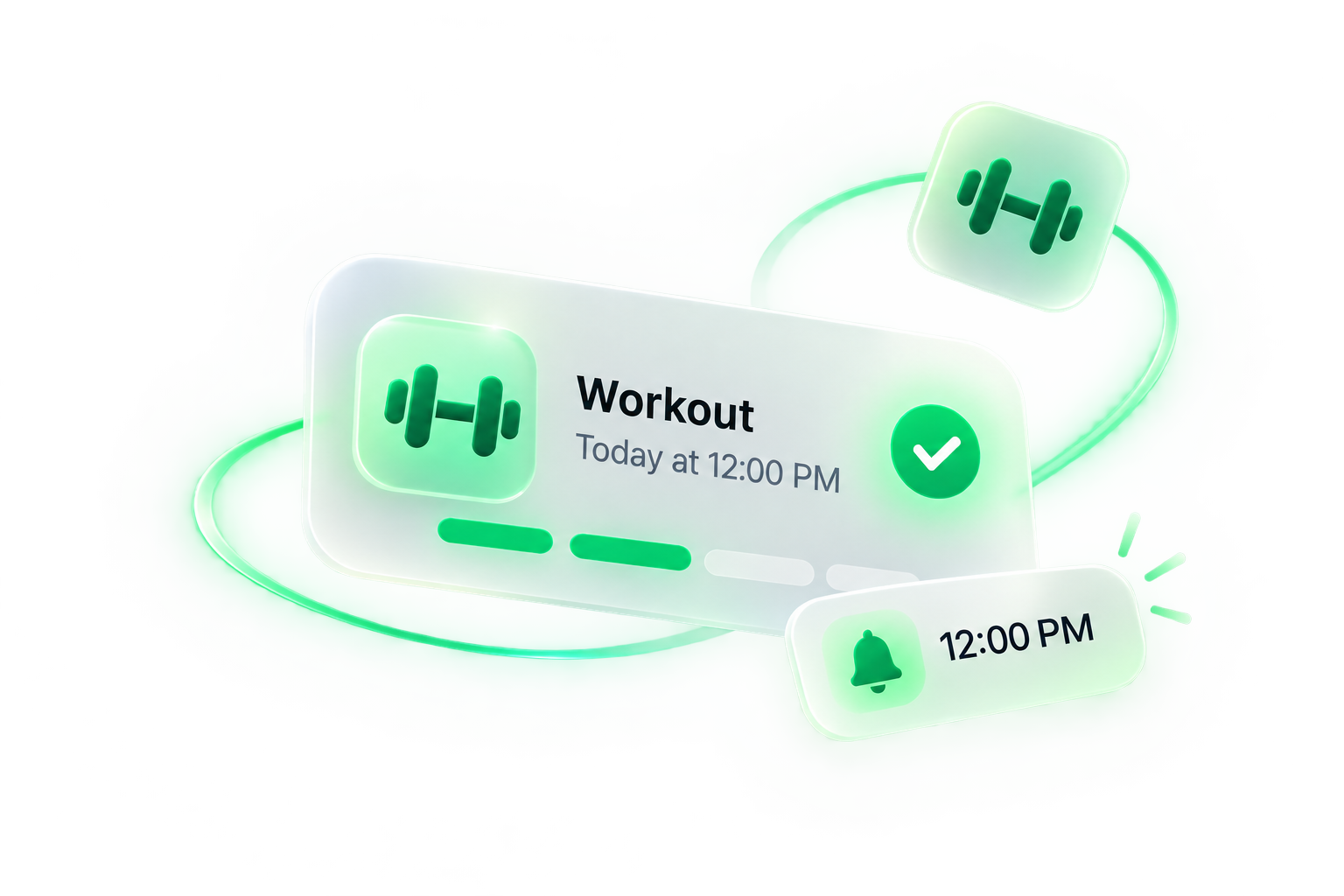
Vitamins, a workout, reading before bed. Set each one once and pick a time. Mentor reminds you, and your streak is right there.
Connect the accounts you choose. Mentor looks at the bigger pattern, so it won't comment on every coffee. It never moves money.
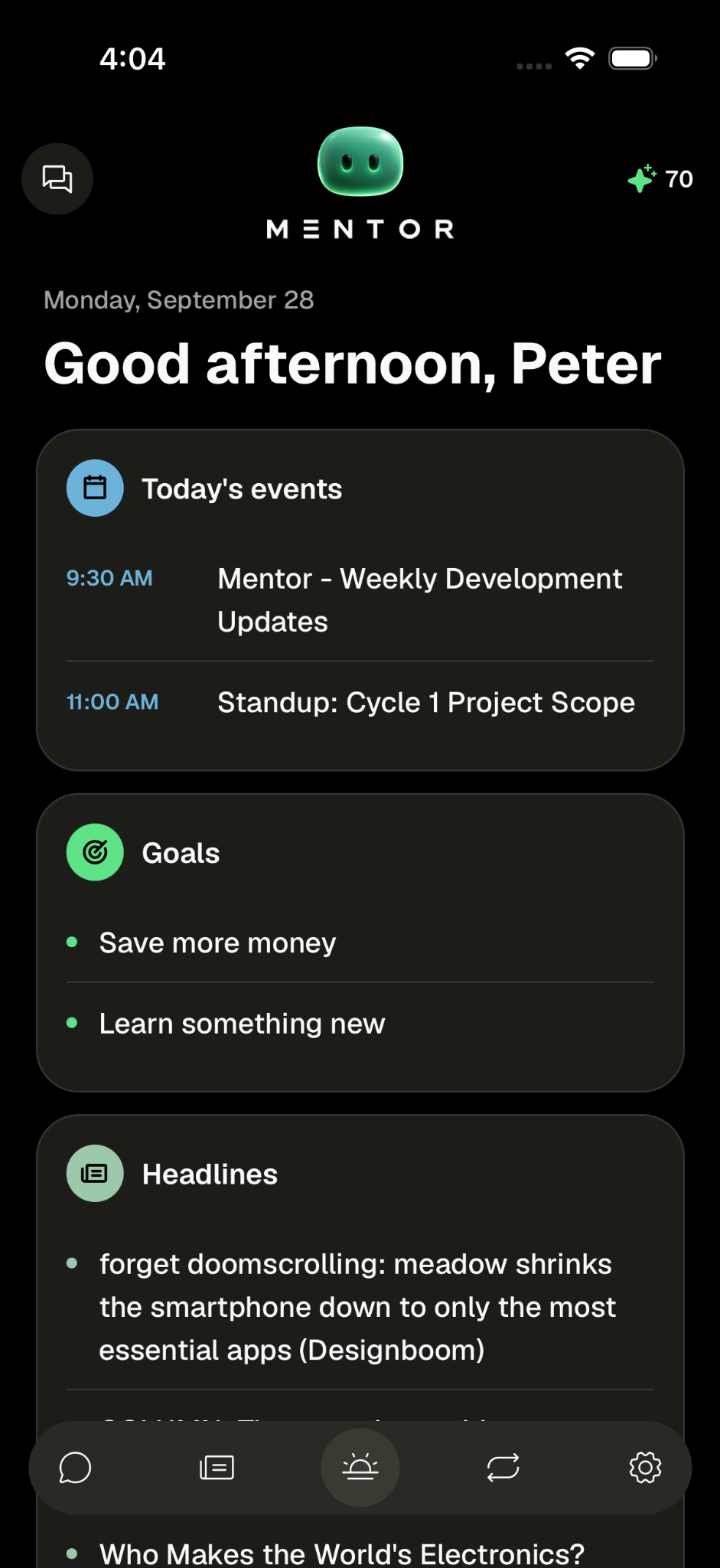
The home screen
Calendar, goals, a few stories — already waiting.
Today's events
What's on the calendar, in one place.
Goals
What you said you'd do, still sitting there.
Headlines
A few stories so you don't open five apps.
A couple of minutes of setup, then you just talk.
01
Say what you want to get done. Connect your calendar and bank if you want to. That's the whole setup.
02
Ask what's on today, log a workout, plan tomorrow. Type it or hold the mic. It all lands in one chat.
03
When a workout slips or spending creeps up, Mentor mentions it. That's the part you signed up for.
Hold the mic when your hands are busy. Type when you'd rather not talk. Mentor only listens after you tap.
“You planned to move $200 to savings by Friday. It's Thursday. Do it now, or pick a new day?”
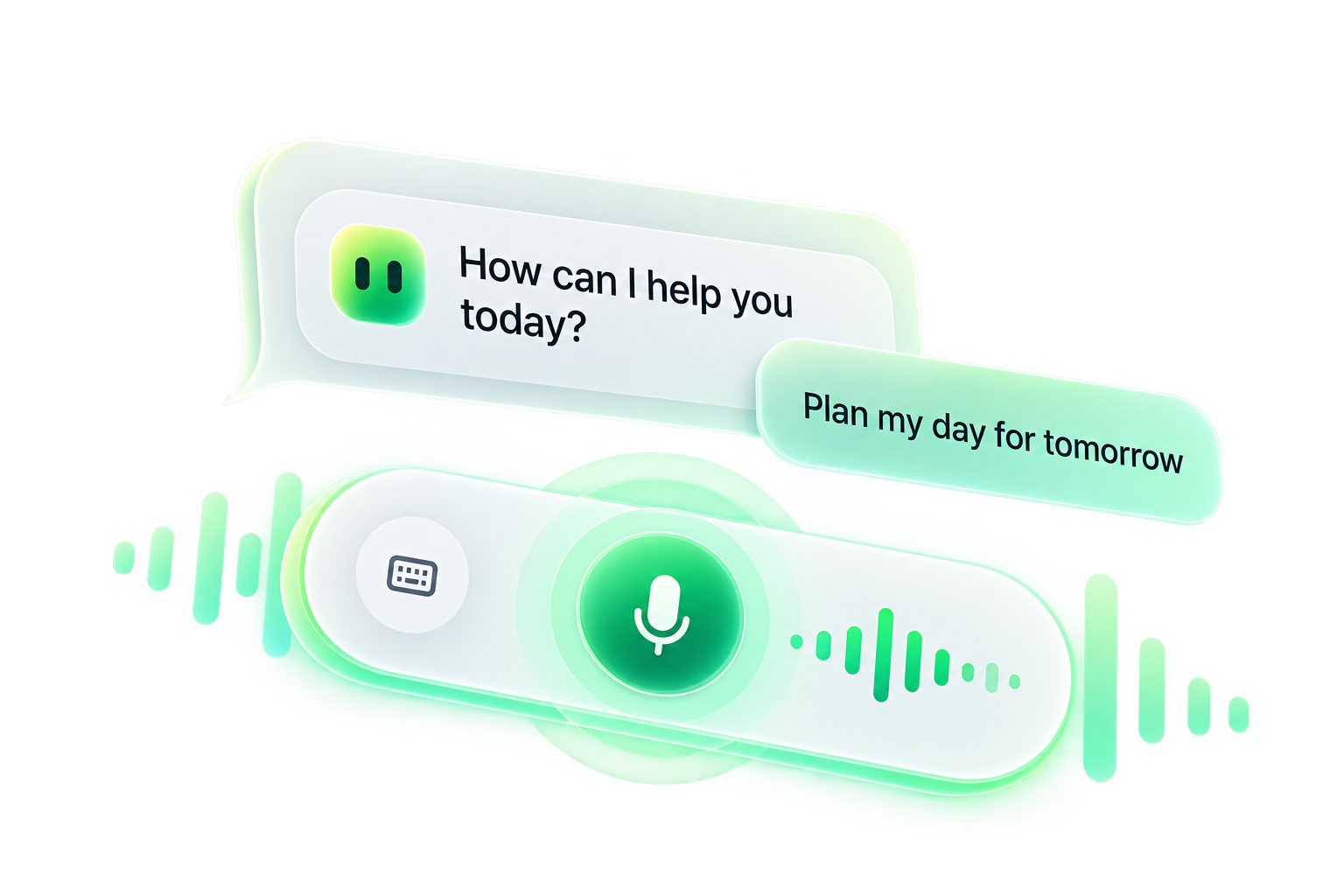
No wake word. Nothing listens in the background.
REFER A FRIEND
When the app ships, you'll get a way to invite someone. We'll email the waitlist when that opens.
Join the waitlist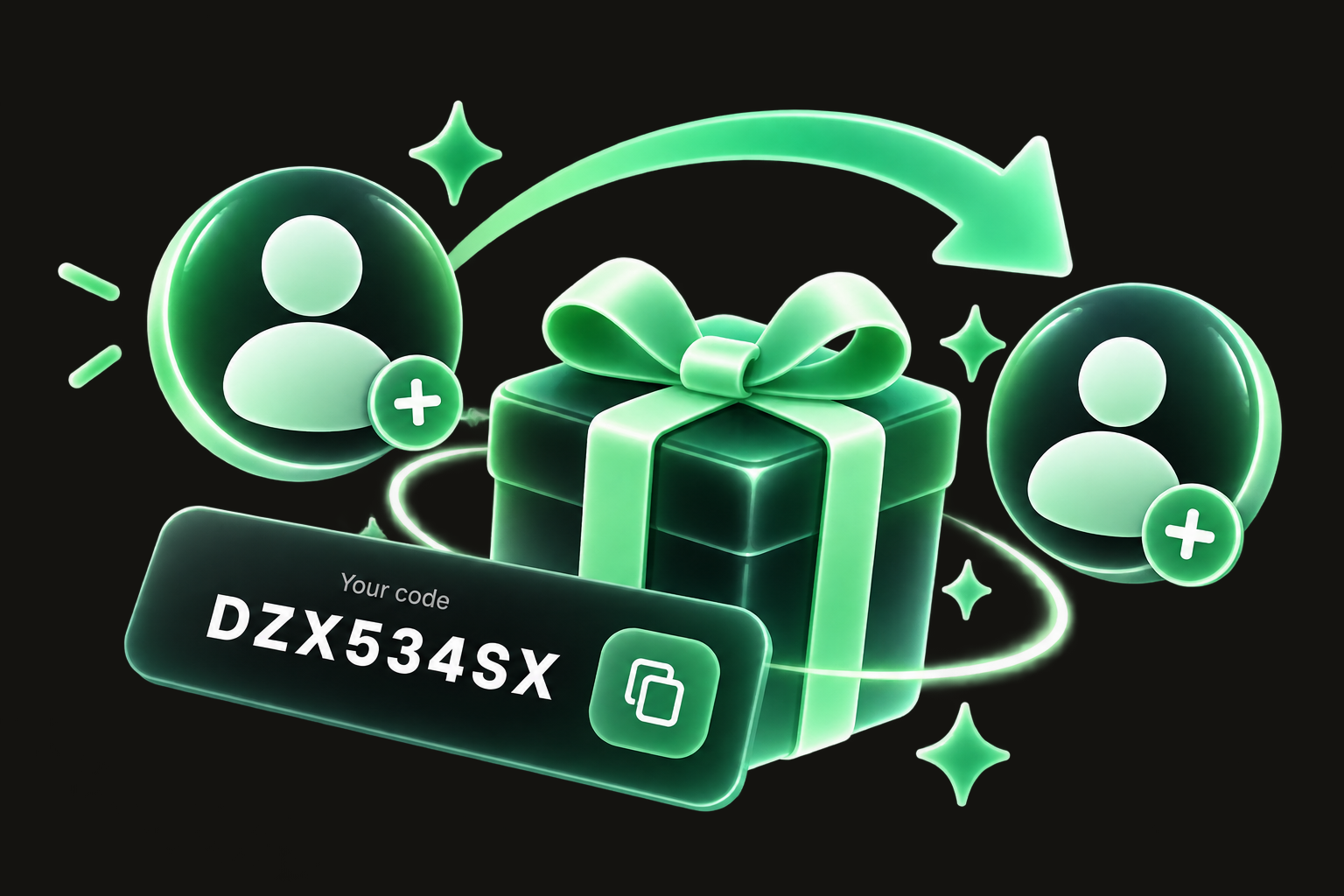
The Mentor Summit
Show up, earn points, climb from Base Camp. The top 10 get paid for sure. Everyone else who earned an entry is in the monthly and year-end draws.
Learn moreEstimated first season
$25,000
1st place
Guaranteed
$5,000
2nd place
Guaranteed
$2,500
3rd place
Guaranteed
$1,250
4th to 10th
Split seven ways, guaranteed
≈ $536 each
Monthly draws
10 winners every month
≈ $52 each
Year-end draw
100 winners after December 31
$62.50 each
Amounts shown for the $25,000 starting pool.
Everyone starts at Base Camp. Points reset each season.
$15 of every yearly membership, or $1.25 of every monthly payment, goes into the pool.
Every U.S. state and Canadian province. Contest times are Eastern.
Pricing
The waitlist is free. When the app launches, pick yearly or monthly.
$1 a day
$365/ year
$30/ month
 Prices in CAD.
Bank, calendar, and voice all start switched off. You turn on the ones you want.
Talk or text with it about your day, your spending, and your goals. It shows what's coming up, reminds you about routines, and brings up the goals you've let slide.
Setup takes a couple of minutes. Pick a tone, tell it your goals, and connect your bank and calendar if you want. After that you talk or type.
The waitlist is free. When the app launches, Mentor is $365 a year or $30 a month, in CAD.
Only what you connect. On your calendar it reads titles and times and skips the notes, locations, and guest lists. Your bank connects through Plaid, and Mentor looks at how you spend over time. It never moves money.
No. There's no wake word. Your phone turns speech into text, and the audio never reaches our servers.
Check-ins and nudges arrive this fall. Until then, Mentor works while the app is open.
It comes to iPhone and Android this fall. People on the waitlist get invites first.
A chatbot forgets you when you close it. Mentor already knows your goals, your calendar, and your spending, so you never start from zero.
A year-long contest. You earn entries by showing up. The top 10 get paid for sure (1st 20%, 2nd 10%, 3rd 5%, 4th–10th split 15%). Everyone else who earned an entry can win a monthly draw (10 winners a month) or the year-end draw (100 winners). We expect the first prize pool to start at about $25,000. It gets bigger if more people join. The first season starts when the app ships.
Coming to iPhone and Android this fall.